



Back-to-School Device Repair: A Planning Checklist for Families
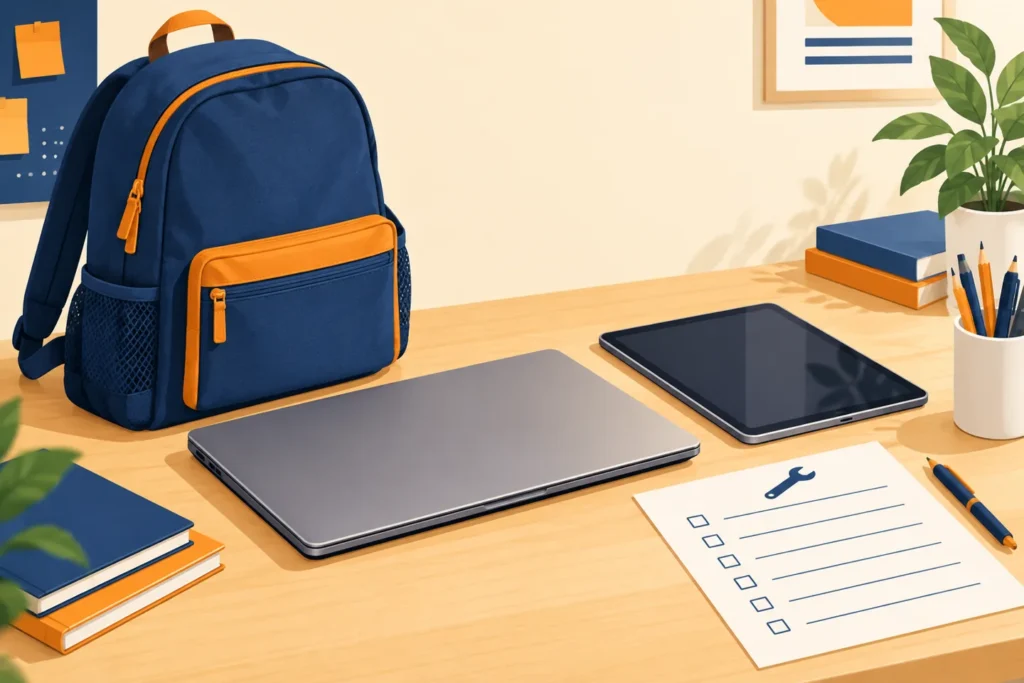
A damaged laptop or tablet can disrupt homework, online classes and communication. Before the school year gets busy, make a short device checklist, protect important work and allow time for an assessment if something is not working.
Start with ownership and deadlines
Is the laptop, Chromebook or tablet owned by your family or supplied by the school? For school-owned or managed equipment, contact the school’s technology team first. It may have its own repair process, approved providers, replacement policy or restrictions on outside work. Ask how to retrieve assignments and whether a loaner is available.
For a personal device, note the make and exact model, the problem, when it began and the date the student needs it. Report symptoms such as a loose charging connection or a broken keyboard instead of assuming which component has failed.
Protect schoolwork and accounts
If the device is safe and usable, back up important files and confirm that work stored in the cloud has synced. Check that you can access essential documents from another device. If it will not start, tell the provider about important local files and ask about data-preserving options before authorizing work. Recovery is not guaranteed.
Keep passwords and verification codes private. Ask how a provider handles testing access and whether any work might erase data. Follow school instructions for school-managed accounts; do not remove management or reset a device without authorization.
Plan the repair visit
Ask whether the provider supports the exact model, what the diagnostic fee covers, the likely turnaround, part options and written warranty. Request a full estimate and approval before additional work. If the device is swollen, wet, unusually hot or smoking, stop using and charging it; move away from immediate danger and seek emergency help when appropriate. Do not use cracked glass.
For personal devices in the Las Vegas Valley, contact Smart Fix to confirm service for your model and current location details. Ask about Chromebook, laptop or tablet support before visiting.
Frequently asked questions
Can I take a school Chromebook to any shop?
Check with the school first; its device and repair policies apply.
Will a repair preserve school files?
Not necessarily. Verify backups and discuss data risks before work starts.
Should I bring the charger?
Ask the provider, especially when the issue involves charging.
Can a shop promise a completion date?
Ask for an estimate; parts and the diagnosis can affect timing.
Is replacing a device always cheaper?
No. Compare the written estimate, age, software needs and replacement options.





