


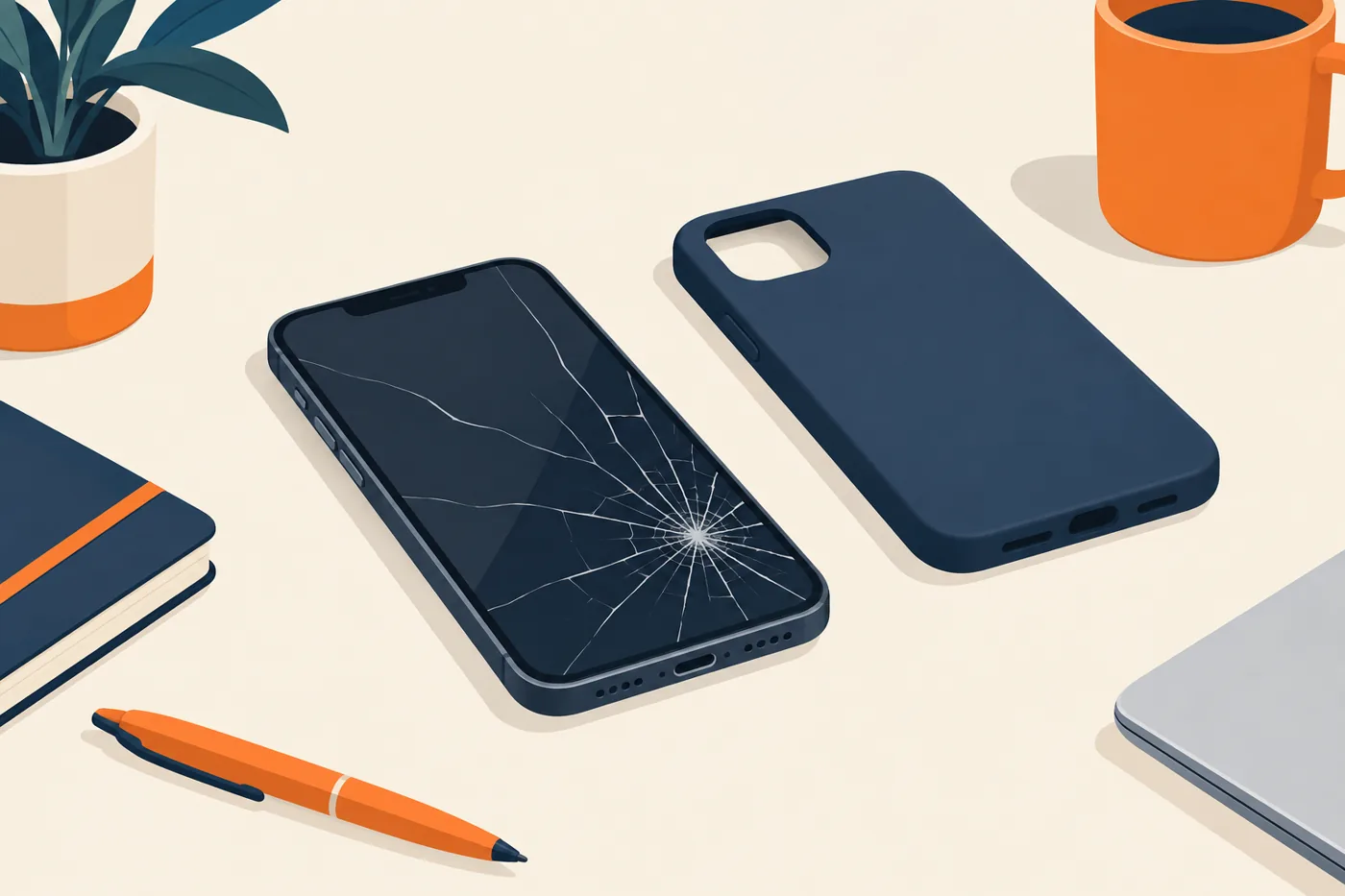
Cracked Phone Screen: How to Compare Repair Options
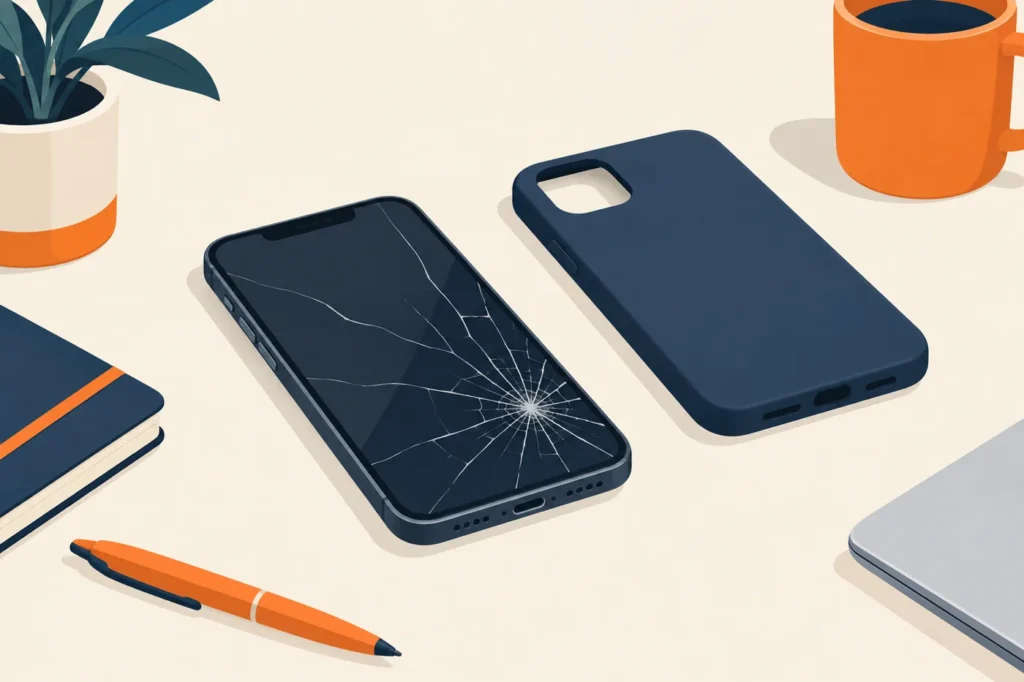
A cracked phone screen can range from damaged glass with a working display to a screen that no longer shows a picture or responds to touch. Before choosing a repair, note the symptoms, protect your data if it is safe, and compare what each estimate actually covers.
Check the damage safely
Note whether the picture is visible, touch responds and the frame appears bent. Avoid loose glass, do not press on a lifting screen and do not assume that a crack is the only damage. A technician may need to inspect the display and other components before confirming the repair.
If the phone is swollen, unusually hot, wet or smells chemical, stop using and charging it. Do not open it. Move away from smoke or immediate danger and seek emergency assistance when appropriate. Tell the provider about any safety concern and liquid exposure.
Compare the part and the total price
Give each provider the exact phone model and ask which part is proposed. Ask whether it is new or used, genuine or aftermarket, and what those terms mean for that repair. A screen assembly, glass-only repair and other approaches can differ by model and condition; do not assume every option is available for every phone.
Ask whether the estimate includes diagnosis, labor, the part and applicable fees. Confirm the warranty, exclusions, turnaround and what happens if further damage is found. Request approval before the provider performs work beyond the agreed quote. Apple describes display-related considerations for iPhone repairs; other brands and providers can have different requirements.
Consider your data and the phone’s condition
If the phone is safe and usable, back up important files before service. If it cannot be used safely, explain which data matters before authorizing a reset or replacement. Keep account passwords and verification codes private. Ask which functions will be tested after repair and how to report a problem.
Compare the complete estimate with your phone’s condition and the cost of a suitable replacement. Do not assume that a repaired phone regains its original water resistance. If you have an iPhone, the repair-or-upgrade checklist can help frame the choice.
For an assessment in Las Vegas, see the phone repair page or contact Smart Fix with your model and symptoms. Confirm current screen service, parts and terms before visiting.
Source
- Apple: About genuine iPhone displays.





