


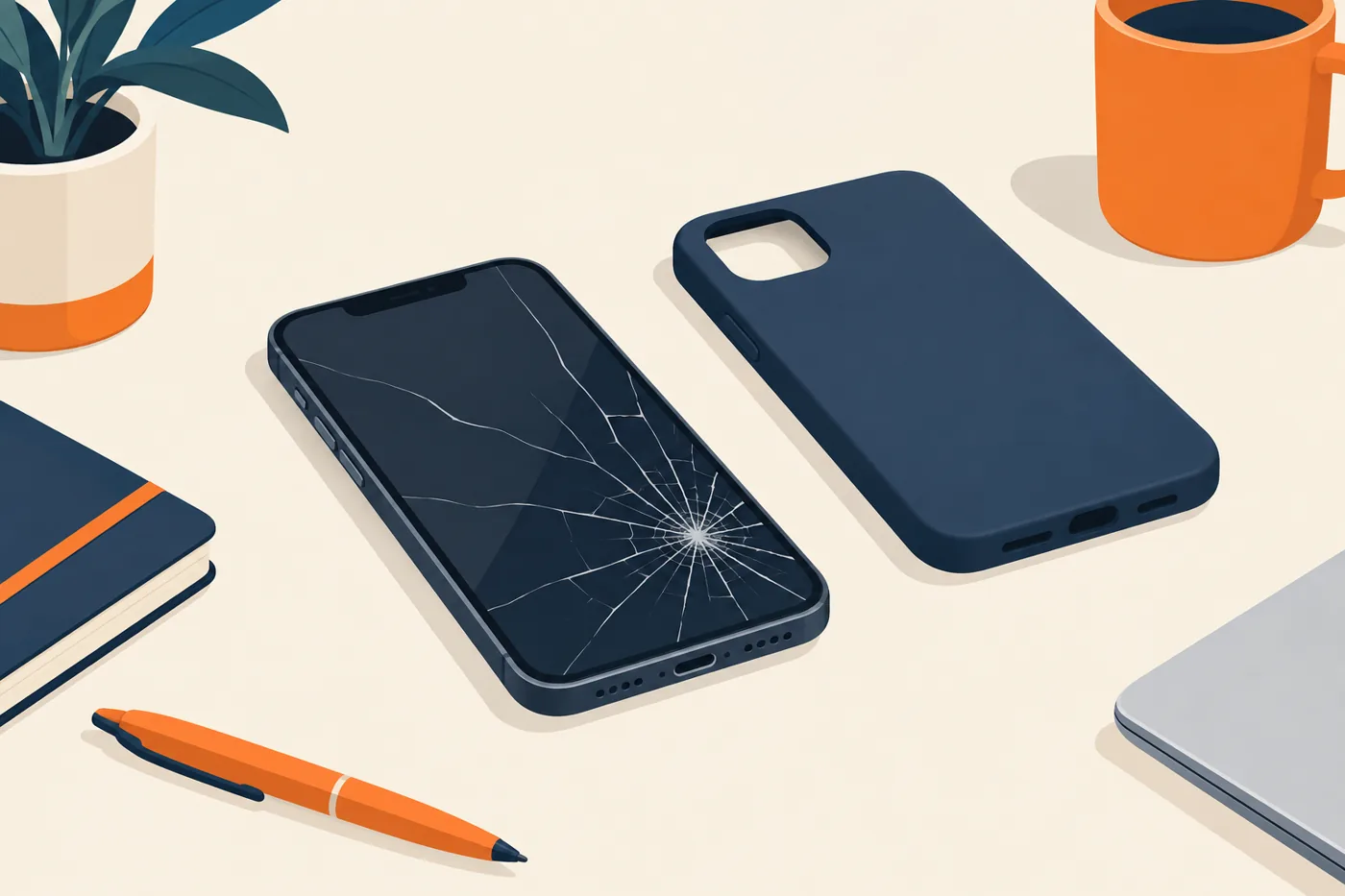
Cracked Phone Screen: Glass, Display or Touch Problem?
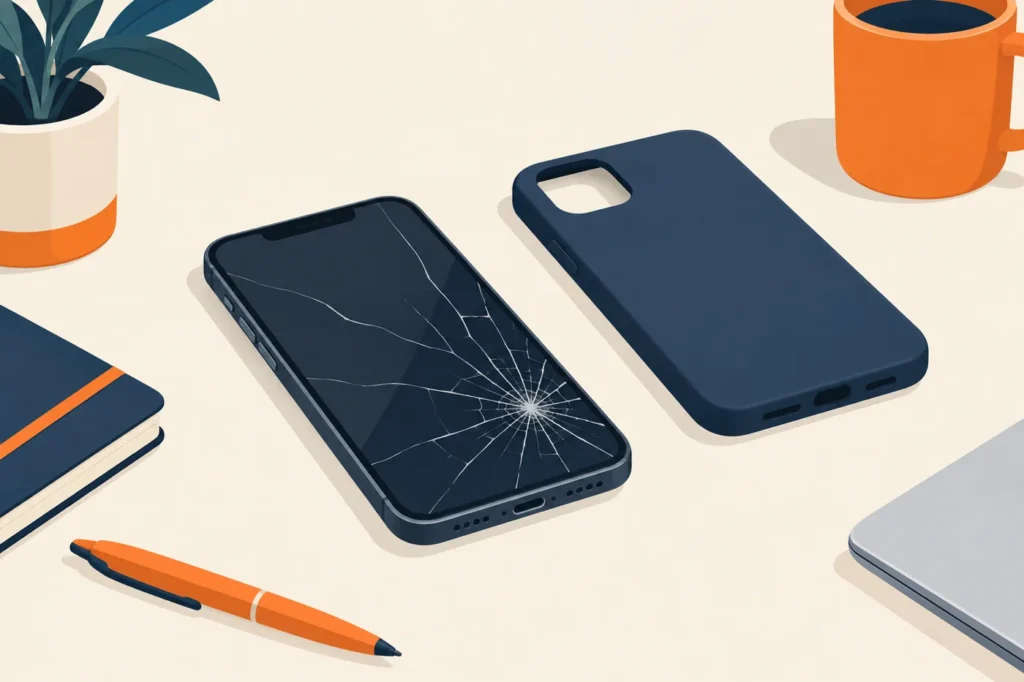
A cracked phone screen can still show a normal picture and respond to touch, or the impact may also affect the display, touch input or frame. The visible crack alone does not tell you which components need repair. Note the symptoms and request an assessment before choosing a replacement part.
Observe without pressing damaged glass
If it is safe to handle the phone, note whether the picture has lines, dark spots or flickering and whether touch responds across the screen. Check whether the frame looks bent or the screen is lifting. Avoid loose glass, and do not press the screen back into place. Tell the provider if the phone was dropped, exposed to liquid or previously repaired.
Stop using and charging it if it is wet, swollen, unusually hot or smells chemical. Do not open the device. Move away from smoke or immediate danger and seek emergency assistance when appropriate.
What might a repair involve?
Depending on the phone and damage, the provider may propose a screen assembly or another repair. Availability and methods vary by model; glass-only work is not suitable or offered in every case. A dark screen or unresponsive touch can also involve another component, so a diagnosis matters.
Ask which part is proposed, whether it is new or used, genuine or aftermarket, and what features will be tested afterward. Apple’s guidance on iPhone displays describes considerations for that brand; other manufacturers and parts may differ. Do not assume the repair restores original water resistance.
Protect data and compare the quote
If the phone is safe and usable, back up important files before service. If it is not safe to use, tell the provider which data matters and ask before any reset or replacement. Keep account passwords and verification codes private.
Ask whether the estimate includes diagnosis, parts, labor and applicable fees. Confirm the warranty, timing and what happens if inspection reveals additional damage. Request approval before extra work. Our screen repair comparison guide offers further questions for comparing estimates.
For an assessment in Las Vegas, see the phone repair page or contact Smart Fix with the model and symptoms. Confirm current service and part availability before visiting.
Source
- Apple: About genuine iPhone displays.





