


Google Pixel Battery Draining Quickly? What to Check
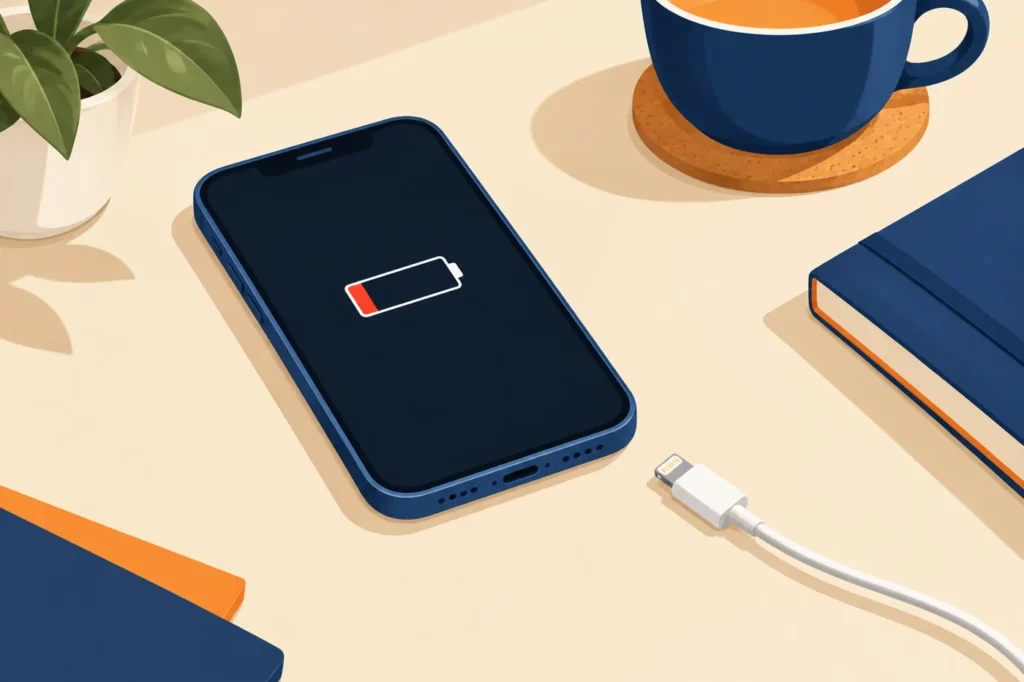
A Pixel battery that runs down sooner than expected does not always need replacement. Usage, apps, a recent update and battery age can all affect runtime. Note your model, how quickly the charge falls and whether the change was gradual or sudden.
Check usage and diagnostics
On a safe, usable phone, open Settings > Battery > Battery usage. Look for apps or system activity using more power than expected and compare that with how you used the phone. Google notes that battery drain can temporarily increase after a software update while the phone completes background work.
Google also provides Battery Diagnostics under Settings > Battery on Pixel 6 and later, including Pixel Fold. Follow the options relevant to your symptom. Menus and features can vary with the device and software. Avoid clearing an app’s storage or resetting the phone without understanding what data will be removed and making a verified backup first.
Understand battery health
Rechargeable batteries lose capacity over time. On Pixel 8a and later, Google says Battery health can show a Normal or Reduced status under Settings > Battery > Battery health. A Reduced status is a reason to consider replacement; an unavailable status is not a diagnosis. Some earlier models do not display that status.
If the phone will not charge, the cable, adapter, outlet or connector could also be involved. Use a compatible charger and do not force a loose or damaged connector. A charging problem alone does not identify a failed battery.
Know when to stop
If the phone is swollen, unusually hot, wet or emitting a chemical smell, stop using and charging it. Do not press a lifting screen back into place or open the phone. Move away from smoke or immediate danger and seek emergency assistance when appropriate. Google recommends seeking repair options for a swollen battery.
Before battery service
If the device is safe and usable, back up important data. Tell the provider about shutdowns, liquid exposure or a lifting screen. Ask whether the battery is the suspected cause, what testing and diagnostic fee apply, the proposed part, total estimate, availability and warranty. A replacement may not resolve an unrelated software or charging fault.
For a Las Vegas assessment, see the phone repair page or contact Smart Fix. Confirm Pixel battery service and parts availability for your exact model before visiting.
Sources
- Google: Fix issues with your Pixel phone battery.
- Google: Understand your Pixel battery.





