


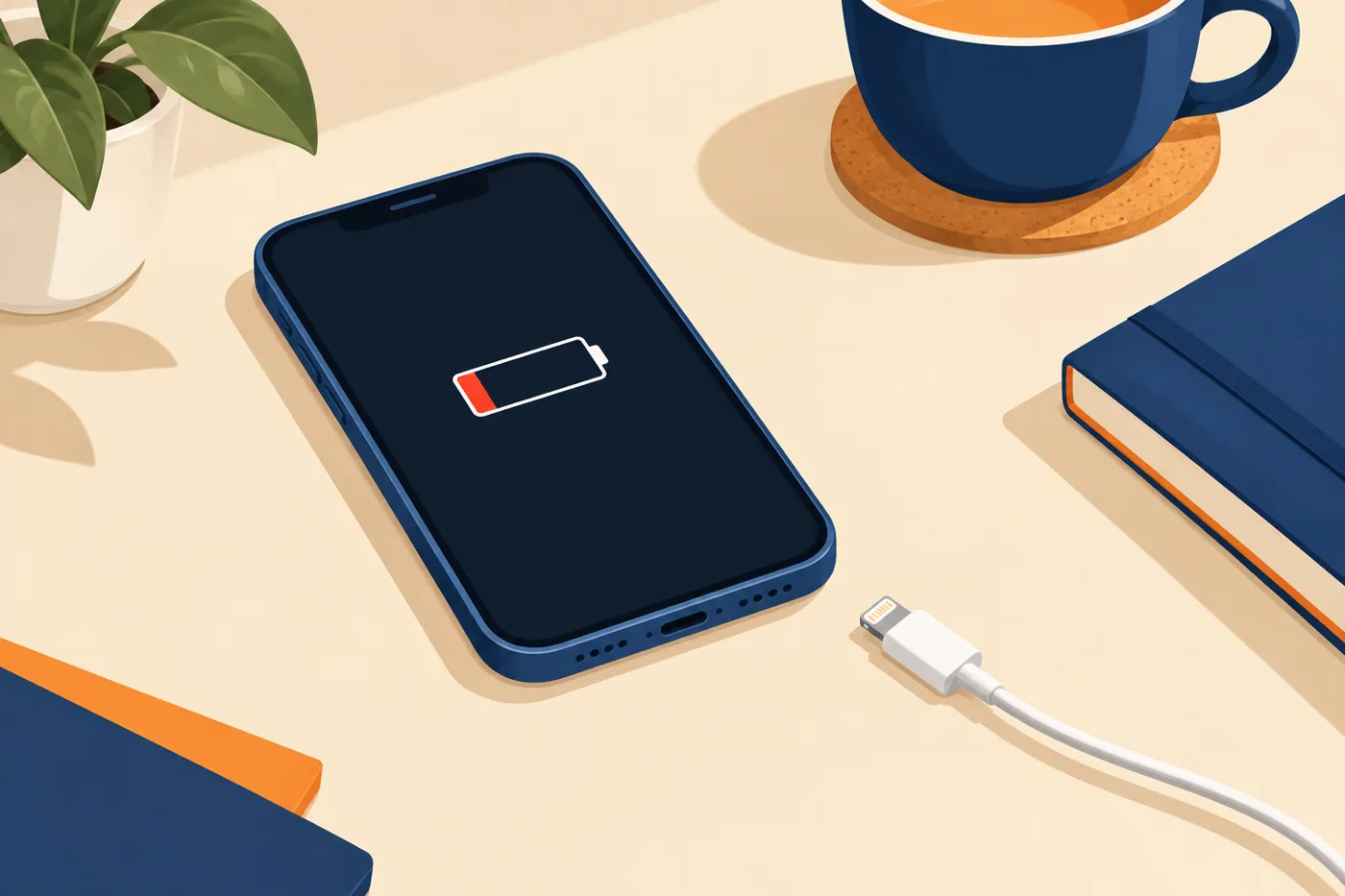
How Long Should an iPhone Battery Last?
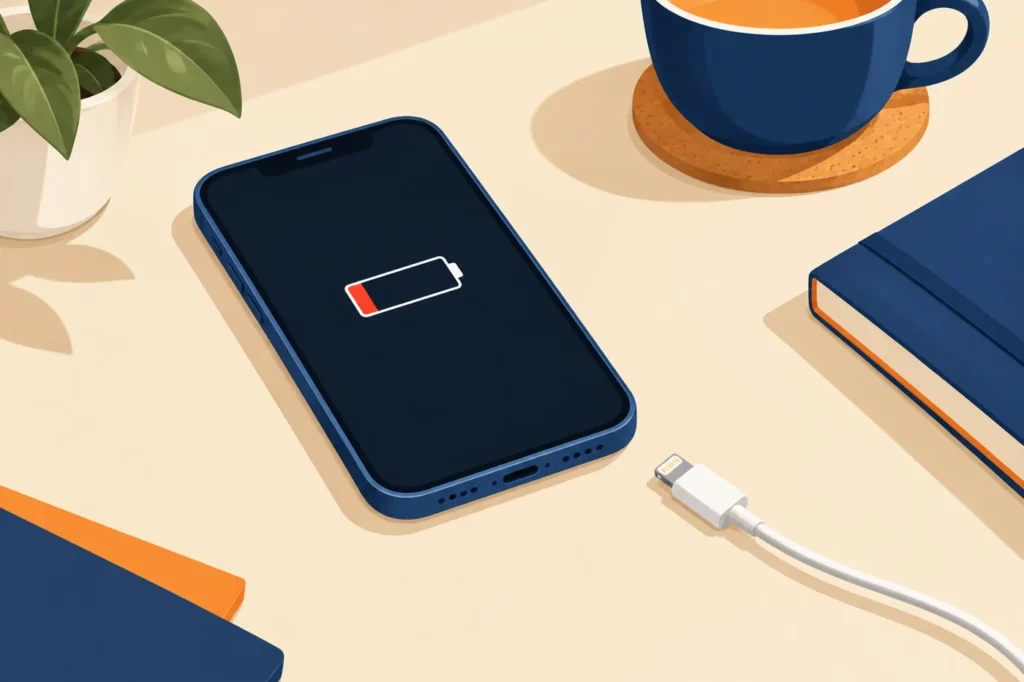
An iPhone battery gradually holds less charge as it chemically ages. There is no reliable replacement date for everyone: the model, temperature, charging history and everyday use all affect how long the battery remains useful. Some owners may notice shorter runtime well before others, so your phone’s battery-health information and real-world symptoms are more useful than a fixed number of years.
Battery life versus battery lifespan
Battery life is the time your phone runs between charges. Battery lifespan is the time before its battery needs service. A day of poor runtime does not automatically mean the battery is worn out: a weak cellular signal, heavy navigation, background activity or a recent software update can also affect power use.
A charge cycle is based on the total amount of battery capacity used, not simply the number of times you plug in. For example, using roughly half a battery charge on two occasions adds up to about one cycle. Wear is gradual, and one cycle count is not a guarantee of any specific remaining capacity.
How to check battery health
On iPhone 15 models and later with iOS 17.4 or later, open Settings → Battery → Battery Health. Depending on the model and software, you can see maximum capacity, cycle count and whether a replacement is recommended. On iPhone 11 through 14 models, open Settings → Battery → Battery Health & Charging. The menu may differ on other models or software versions.
Maximum capacity compares the battery’s estimated present capacity with when it was new. A lower percentage generally means less time between charges, but the percentage is an estimate, not a diagnosis of every shutdown or charging problem. Read any service message alongside the symptoms you experience.
Signs that a battery assessment may help
- The phone consistently runs down much faster under comparable use.
- It shuts down unexpectedly or struggles to provide adequate power.
- Battery Health recommends service, or the device no longer lasts long enough for your needs.
- The screen is lifting or you suspect swelling: stop using and charging the phone, do not press on it, and seek qualified help.
Charging trouble, heat, slow apps and restarts can have causes other than the battery. A technician should assess the device rather than promise that a battery replacement will solve every problem. Performance may improve when an aged battery is the cause of a power-related limitation, but a new battery will not fix unrelated software, storage or hardware issues.
Ways to reduce unnecessary wear
Avoid exposing the phone to excessive heat, including leaving it in a hot car or direct sun. Keep iOS up to date, use compatible accessories in good condition, and allow the phone’s battery-management features to work. Use the battery settings to review app activity if drain is unusual. Apple’s optimized charging features can help reduce wear in supported circumstances; settings vary by model and software.
When should you replace it?
Consider service when Battery Health recommends it or when runtime and reliability no longer meet your needs. Before booking, ask what kind of battery will be fitted, the total price, warranty, estimated turnaround and any effect on battery-health reporting. Back up important data beforehand if the phone is safe to use. If it is hot, swollen or otherwise unsafe, do not continue charging or using it just to complete a backup.
Explore the phone battery repair page or contact Smart Fix to discuss service options in the Las Vegas area. Contact the shop with your model and symptoms and confirm current parts availability, pricing and warranty before visiting.





