


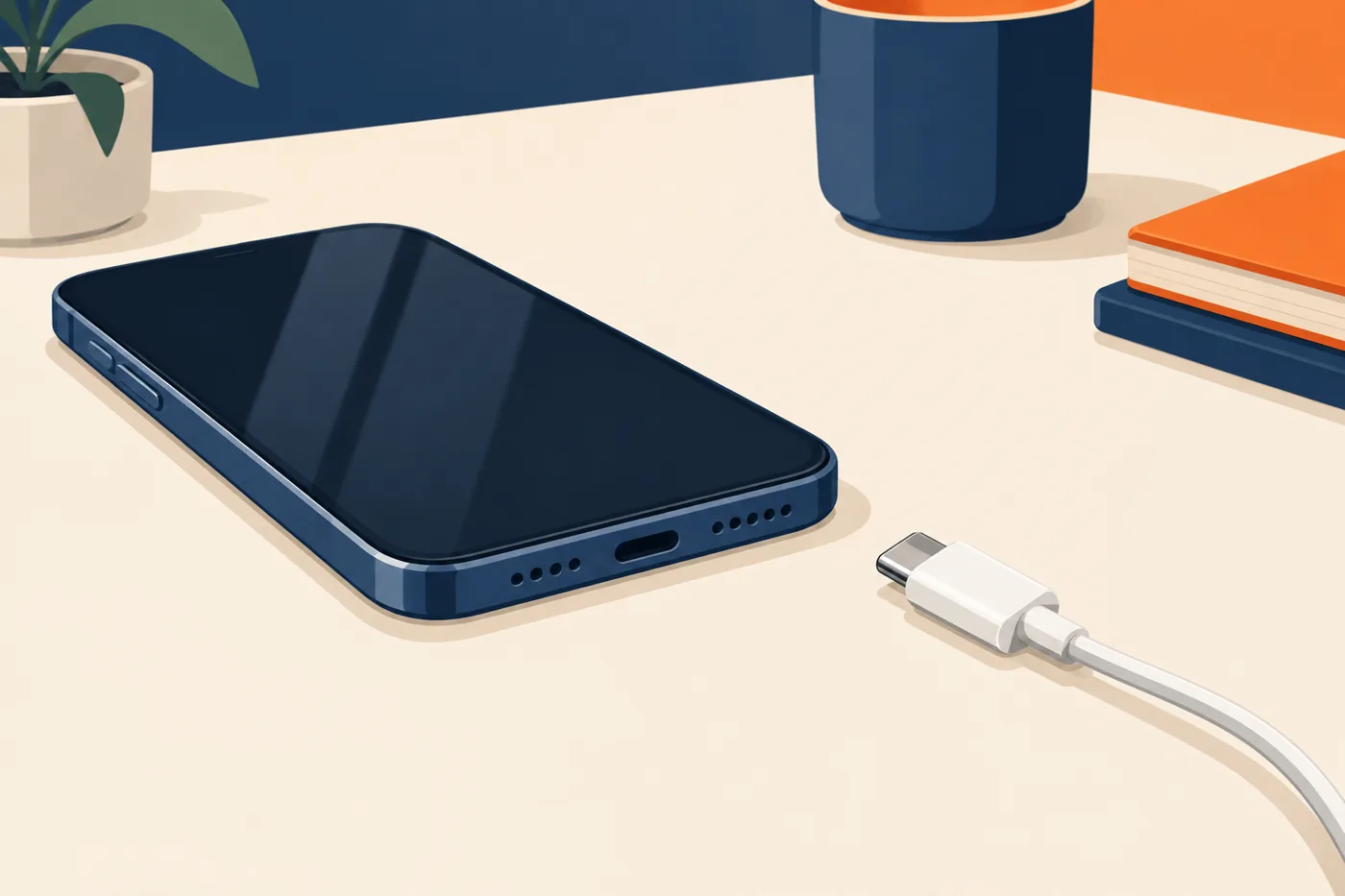
iPhone Charging Port Problems: Checks Before Repair
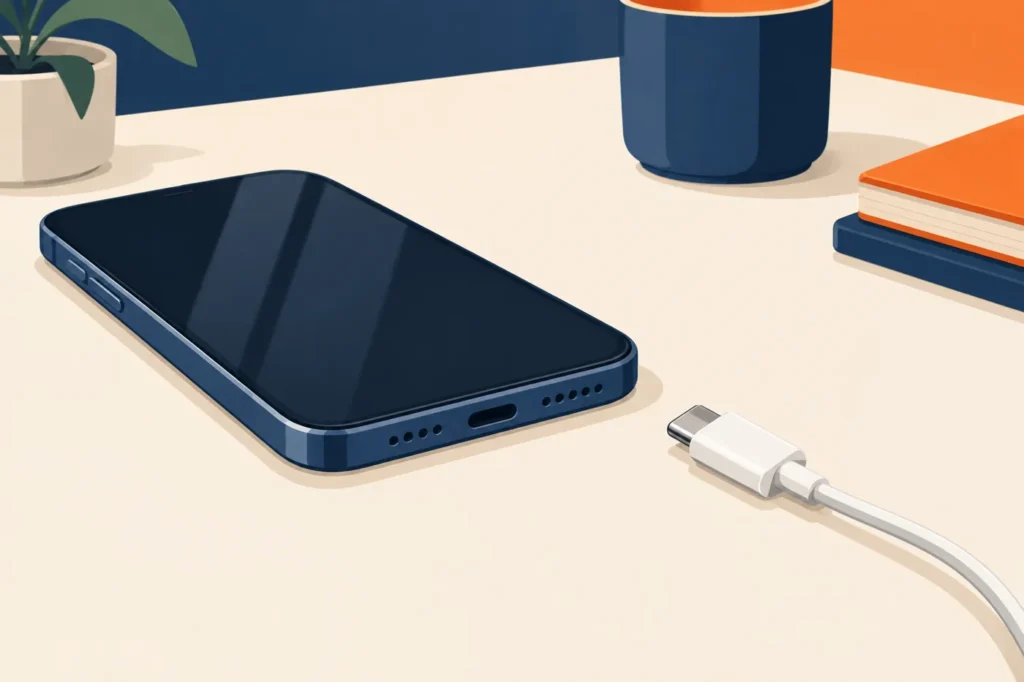
An iPhone that only charges at an angle may have a damaged port, but the cable, adapter, power outlet or debris can also be involved. A few safe checks can help narrow the problem before you pay for a charging port repair.
Start with the charging setup
Inspect the cable and adapter for fraying, bent contacts or other damage. Do not use damaged accessories. Try a known-working compatible cable and adapter in another wall outlet, making sure the connections are secure. If the battery is deeply discharged and the phone is dry and safe to use, leave it connected for a while; Apple recommends charging for half an hour as part of its charging troubleshooting.
If the phone shows a liquid-detection alert, disconnect the cable and follow Apple’s liquid-alert instructions. Do not charge through a wet connector. Never force a plug or repeatedly wiggle it to keep a failing connection working.
Does the connector look obstructed or damaged?
A loose-feeling cable, visible damage or a connection that works only at certain angles can justify an inspection. Look for obvious obstruction without pushing tools into the port. Metal objects, liquids or force can damage contacts. If debris is difficult to remove safely or the connector looks damaged, have it assessed instead of attempting a deep clean yourself.
A phone that charges wirelessly but not through a cable offers a useful clue, but it does not prove that the port is the only faulty part. Wireless charging availability varies by model. An unusually hot or swollen phone should not be used or charged; seek qualified assistance.
When should you consider a repair?
If the issue persists with a different compatible cable, adapter and outlet, a technician can inspect the connector and consider other causes. Depending on the model and damage, the relevant repair may involve the port assembly or another component. Soldering is not the universal solution, and a symptom alone cannot tell you which part needs replacement.
Ask for a diagnosis, the full quote, parts availability and warranty before approving work. If liquid exposure preceded the fault, disclose it because corrosion can affect more than the connector. Back up important data first if the device is safe to use; ask about data risks if it is not.
Frequently asked questions
Why does my iPhone charge only at a certain angle?
The cable or connection may be worn, obstructed or damaged. Try another compatible cable and power source rather than forcing the connector. Persistent angle-dependent charging needs an inspection.
Can a new battery solve a bad charging port?
Not necessarily. Battery and connector faults can produce overlapping symptoms; a technician should assess the device before recommending either part.
For help in Las Vegas, see the iPhone repair page or contact Smart Fix with your model, cable type and symptoms. Confirm current repair availability and cost before visiting.





