


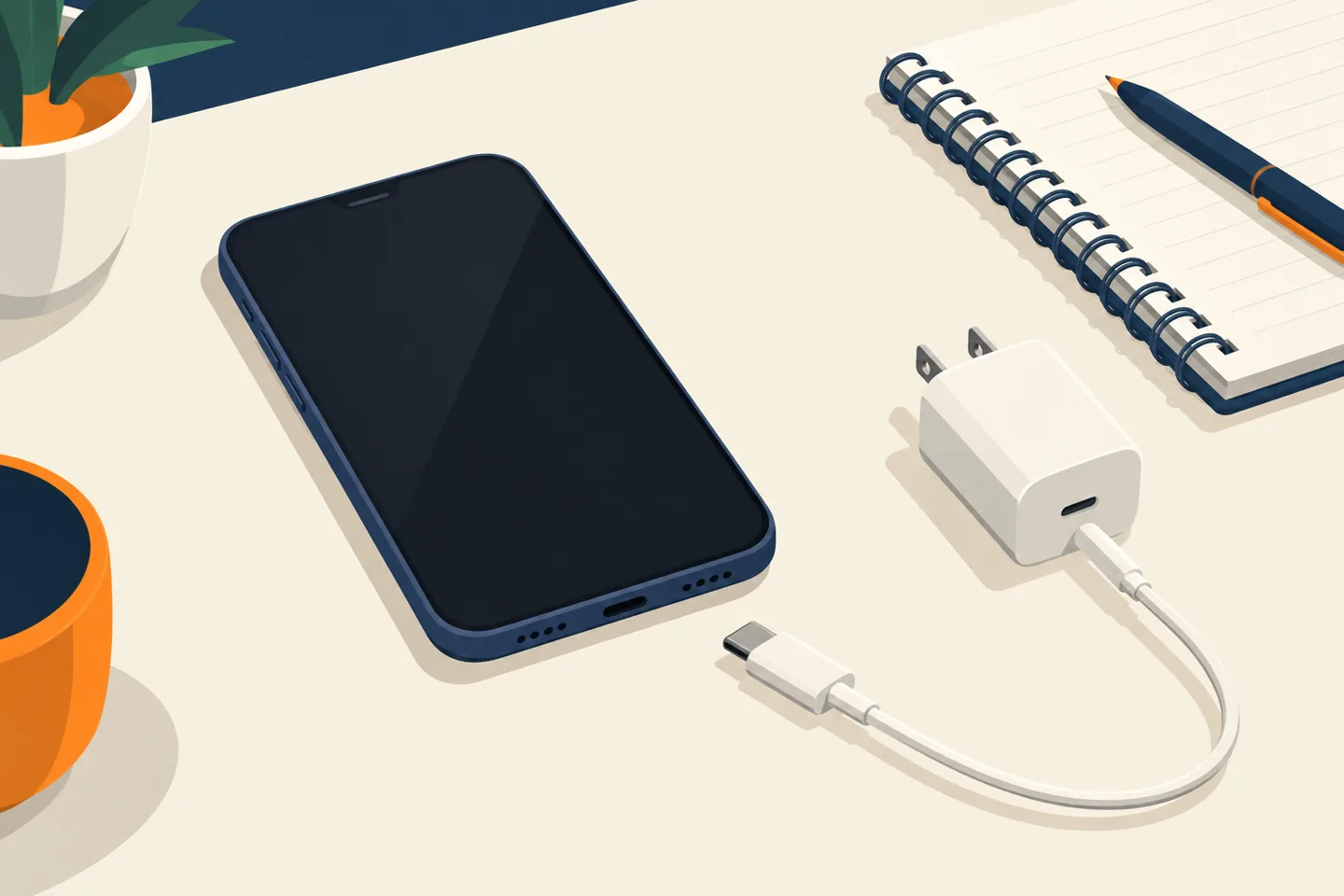
Intermittent iPhone Problems: How to Prepare for a Diagnosis
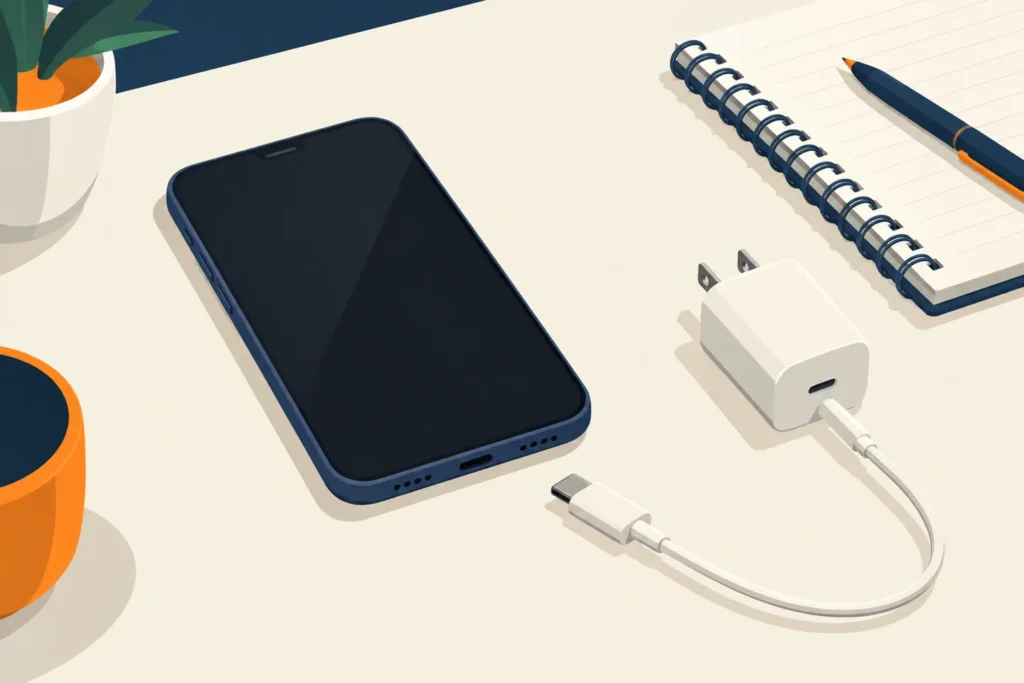
An iPhone that charges only sometimes, restarts unexpectedly or occasionally loses touch response can be difficult to diagnose from a brief description. A record of when the symptom occurs can help a technician investigate without jumping to a particular replacement part.
Record what happens
Write down the model, software version if accessible, the first occurrence and any recent drop, liquid exposure, update or prior repair. Note whether the issue happens with a specific app, network, charging accessory or time of day. Record error messages exactly. If safe and possible, a short video of the symptom may help explain an intermittent fault.
If you can reproduce a problem using an undamaged compatible accessory, describe the steps and ask whether to bring it. Do not repeatedly test a device that may be damaged or force a connector. An intermittent charging issue can involve a cable, port, software or internal component.
Stop testing when safety is uncertain
Apple advises against using an iPhone with cracked glass or suspected damage. If the phone is swollen, wet, unusually hot or smoking, stop using and charging it. Do not press a raised screen or open the phone. Move away from immediate danger and seek emergency help when appropriate.
Ask what diagnosis includes
If the device is safe and usable, verify a backup first. Tell the provider whether irreplaceable data is stored locally and ask what actions could erase it. Keep passwords, passcodes and verification codes private.
Ask what the diagnostic fee includes, whether the issue must be reproduced, how long observation may take, and whether a failed test or an unresolved issue still incurs a charge. Request a written estimate for any proposed repair and approval before additional work. No diagnosis guarantees that every intermittent issue can be reproduced.
For a local assessment, contact Smart Fix in Las Vegas to confirm support for your model and symptom, as well as current diagnostic terms.
Frequently asked questions
Should I erase the phone before a diagnosis?
Not without understanding the consequences and confirming a backup.
Can a video help?
It can document the symptom, although inspection may still be needed.
Does intermittent charging prove the port is broken?
No. Several causes are possible.
Will the shop always reproduce the problem?
No. Conditions vary; ask how the provider handles intermittent faults.
Should I bring my charger?
Ask first, particularly when the symptom involves charging.





