


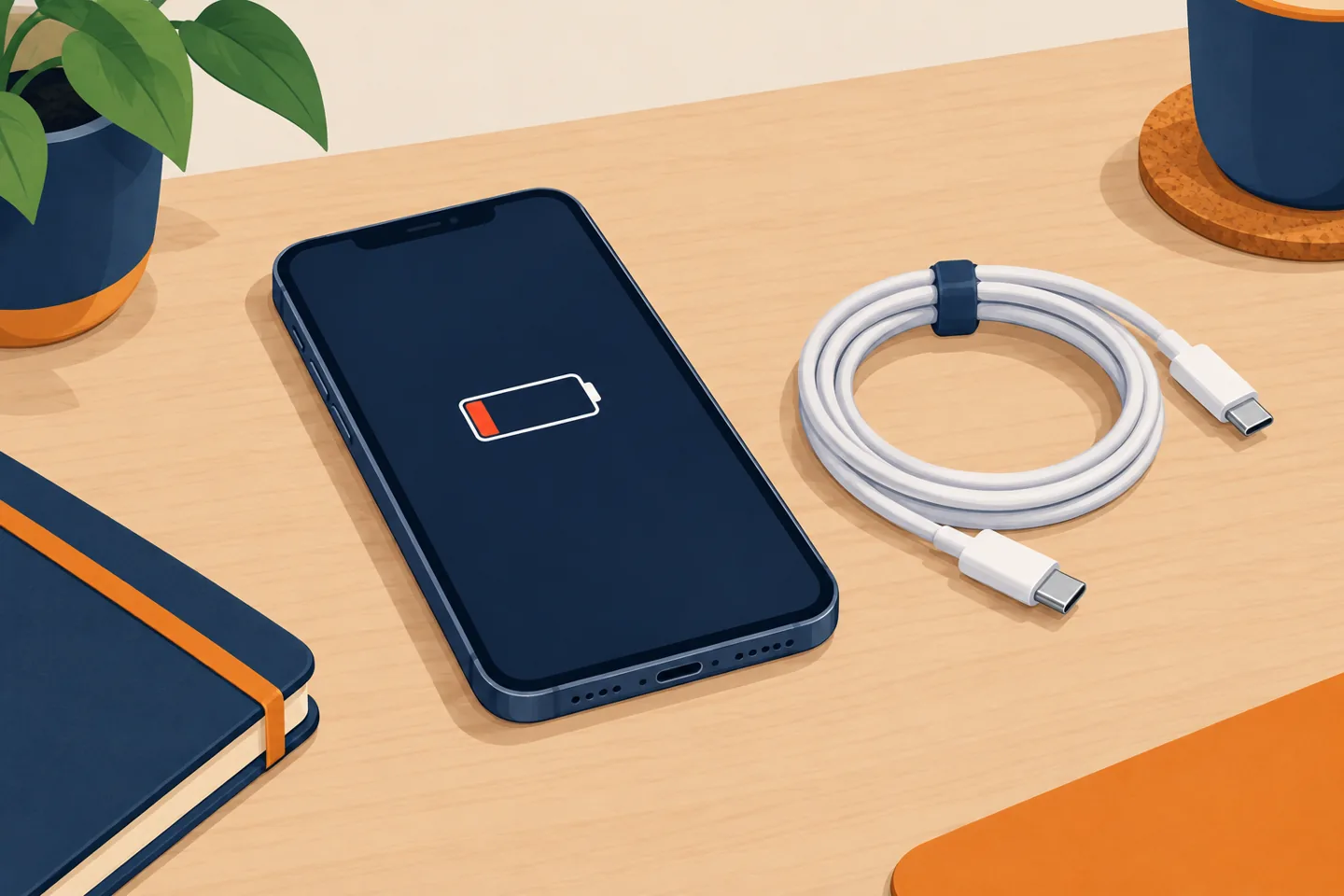
iPhone Battery Draining Fast? Checks Before Repair in Las Vegas
Fast battery drain does not automatically mean your iPhone needs a replacement battery. Usage patterns, signal conditions, software activity and battery aging can all affect how long a charge lasts. Start with a few observations and seek an assessment if the issue persists.
Review usage and battery health
If the phone is safe and responsive, open Settings and look under Battery for usage information and the Battery Health screen. The exact menu and details vary by model and iOS version. Compare the period of heavy drain with the apps and activity shown; a single unusually busy day is not a complete diagnosis.
Apple explains that maximum capacity measures battery capacity relative to when it was new, and capacity declines as a battery ages. A service message or reduced capacity can help inform a decision, but it does not establish that every charging or shutdown problem is caused by the battery.
Check safely before booking
Note whether the drain occurs at rest, during a particular app, in weak-signal areas or after a recent change. If appropriate, compare with a known-working compatible cable and power adapter. Do not use a damaged charging accessory. Avoid repeated charging or testing if you suspect physical damage.
If the phone is swollen, unusually hot, wet or smoking, stop using and charging it. Do not push down a lifted screen or attempt to puncture or replace the battery yourself. Move away from immediate danger and seek emergency assistance when appropriate. Apple recommends that a trained technician service an iPhone battery.
Ask about a battery assessment
If the phone is safe and usable, verify a backup. Ask the provider what the diagnostic fee covers, the part type, total price, turnaround, any configuration requirements and written warranty. Describe unexpected shutdowns or charging behavior as well as the battery-health reading.
For local options, contact Smart Fix in Las Vegas and confirm battery service and parts for your exact model. Compare the estimate with Apple’s available service options and any applicable coverage.
Frequently asked questions
Does fast drain always mean a bad battery?
No. Usage, software, signal and other factors can contribute.
What does maximum capacity mean?
It is an estimate of capacity compared with the battery when new.
Is a battery service message always an emergency?
No. Apple says its degraded-health message alone does not indicate a safety issue; physical damage is different.
Should I replace a swollen battery myself?
No. Stop using the phone and seek trained service.
Will a new battery fix every charging issue?
No. The cable, port or other hardware may also need assessment.





