


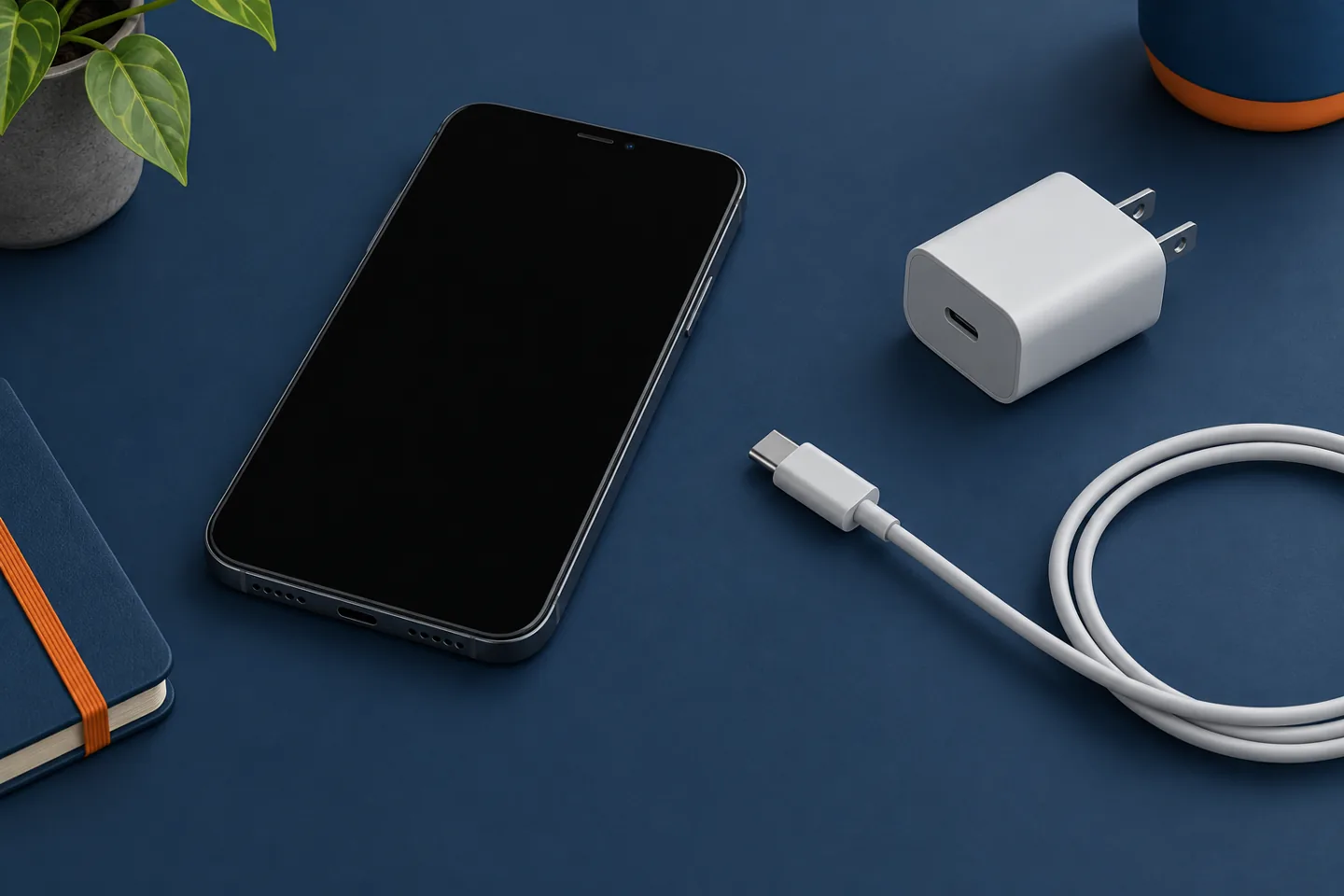
iPhone Won’t Turn On: Safe Checks Before Repair
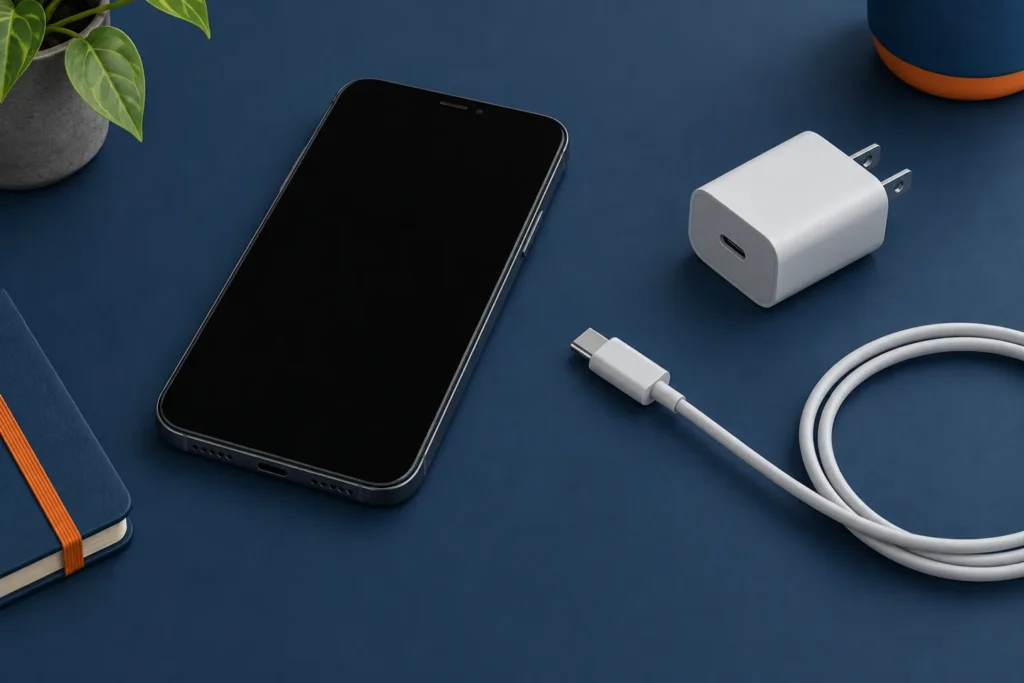
An iPhone that will not turn on may be discharged, frozen or affected by a hardware problem. A dark screen does not by itself show whether the phone has no power or whether the display is not working. Start with safe checks and record what you observe.
Look for danger before charging
If the phone is wet, swollen, unusually hot, smoking or emitting a chemical smell, stop using and charging it. Do not press a lifted screen or connect a damaged cable. Move away from immediate danger and seek emergency assistance when appropriate. Ask a qualified provider for safe handling advice.
If the device and accessories are dry and undamaged, try a known-working compatible cable, adapter and wall outlet. Follow Apple’s model-specific guidance and allow time for charging. Apple notes that a depleted iPhone may need to charge before it starts.
Try the correct force restart
Apple’s button sequence depends on the iPhone model. Follow its instructions rather than guessing: the sequence for a newer iPhone differs from those for some models with a Home button. A force restart is not a factory reset. If the device starts and is safe to use, make a current backup and note whether the issue returns.
What to tell a repair provider
Note whether the phone vibrates, rings, displays a charging indicator or briefly shows the Apple logo. Those observations help distinguish symptoms but do not prove the cause. Mention a recent drop, liquid exposure, update or prior repair, and bring the charger only if the shop requests it.
Do not agree to a factory reset or restore without understanding that data may be erased. If the data is important and not backed up, ask about data-preserving diagnostics before authorizing work. Keep account passwords and verification codes private.
For an assessment in Las Vegas, visit the Smart Fix iPhone repair page. Confirm your model, diagnostic fee, parts, estimate and warranty; ask for approval before additional work.
Frequently asked questions
Does a black screen mean the battery is dead?
Not necessarily. The display, charging system, software or other hardware may also be involved.
Should I charge a wet phone?
No. Disconnect it and seek appropriate guidance; do not charge a wet or damaged device.
Is a force restart a factory reset?
No. A force restart is different from erasing the device. Use the sequence for your model.
Will a restore erase my data?
Apple says restoring through recovery reinstalls iOS and erases data. Check your backup and discuss alternatives first.
Can a shop guarantee my files will be recovered?
No. Data outcomes depend on the damage and available options; ask about preservation before service.





