


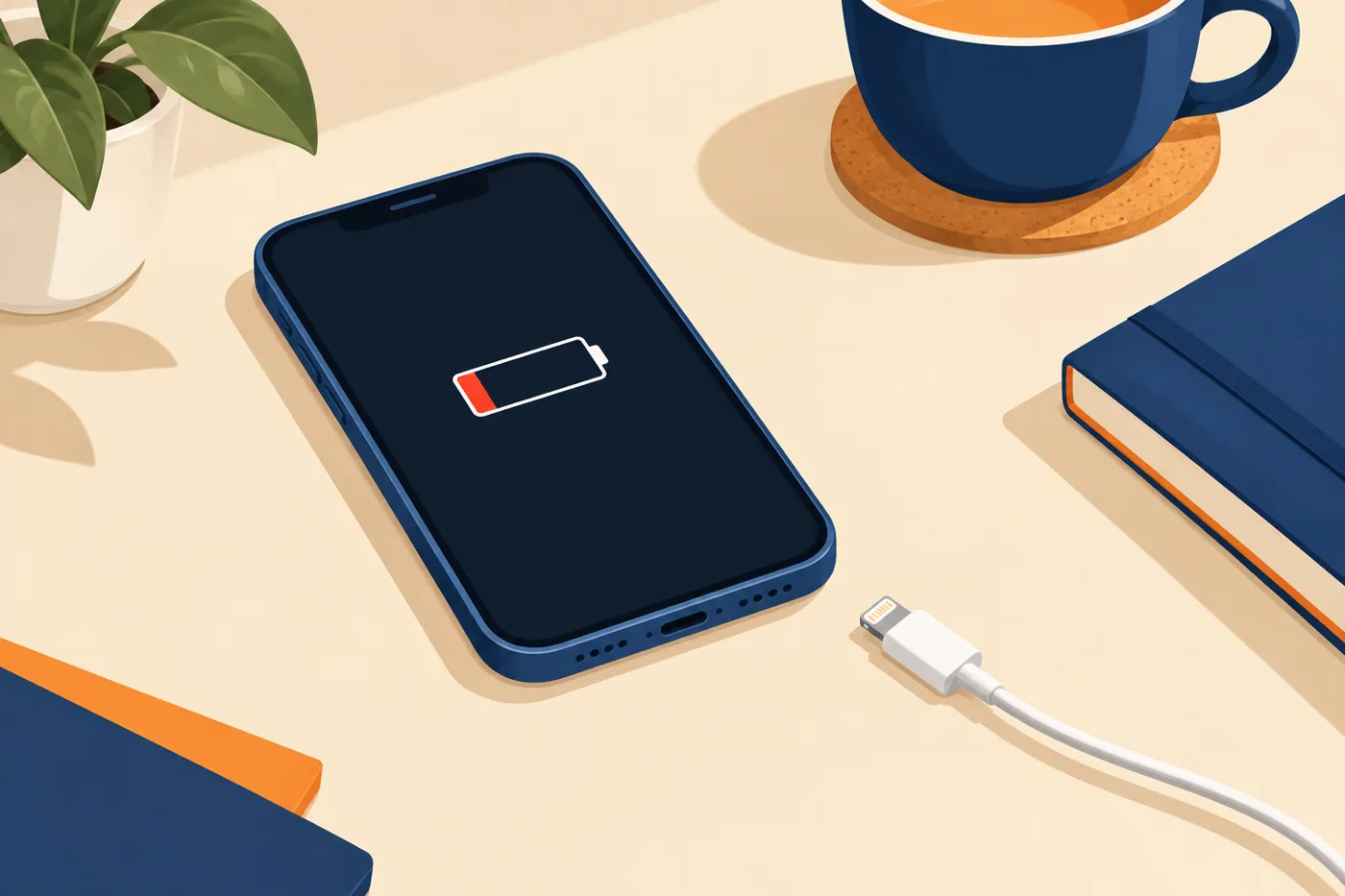
Samsung Galaxy Battery Draining Quickly? What to Check
A Samsung Galaxy phone that needs charging more often may have a worn battery, but usage, signal and background activity can also affect runtime. Observe the pattern before assuming the battery is the only problem, and stop testing if the device shows signs of damage.
Check usage and available diagnostics
If the phone is safe and usable, review battery usage in Settings and note which apps or activities consume power. Samsung notes that weak signal, high brightness and background activity can affect battery life. Menus and features vary by model and software version.
On supported devices, Samsung describes a battery check in the Samsung Members app’s phone diagnostics. A result can help inform the conversation, but it does not replace an assessment of charging, hardware and other symptoms. Note whether the phone shuts down unexpectedly, charges inconsistently or drains even when idle.
If charging is the problem, a damaged cable, adapter, connector or another component could be involved. Try a known-working compatible cable and power source only if the phone is dry and safe. Do not force a plug or insert tools into a port.
Recognize warning signs
If the phone is swollen, unusually hot, wet or emitting a chemical smell, stop using and charging it. Do not press a lifting screen back into place or open the device. Move away from smoke or immediate danger and seek emergency assistance when appropriate. Tell the provider about the concern before transporting the phone.
Before approving battery service
If the phone is safe and usable, back up important files first. If it is unsafe, tell the provider about data that is not backed up rather than powering the phone on. Ask what the diagnosis includes, whether there is a fee and whether other causes will be checked.
Confirm the proposed battery part, total cost, availability, estimated turnaround and warranty terms for your exact model. Ask the provider to seek approval before extra work. A replacement battery will not necessarily solve a separate connector or software fault.
For an assessment in Las Vegas, see the Samsung repair page or contact Smart Fix with the model and symptoms. Confirm the service and parts are available before visiting.
Source
- Samsung: How to check, repair or replace a Galaxy battery. Samsung’s own service procedures and terms may differ from independent repair providers.





