


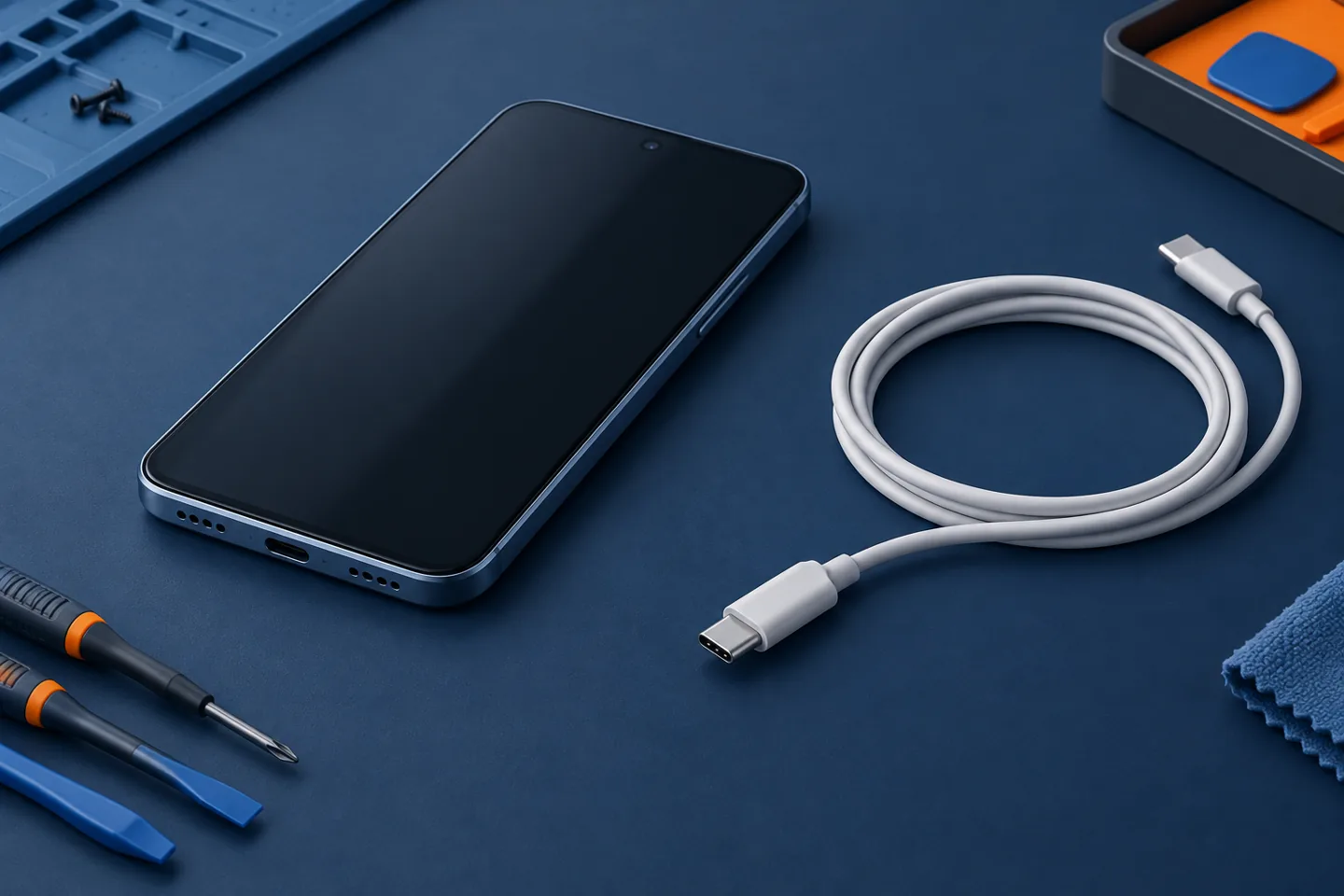
Samsung Galaxy Not Charging: Safe Checks and Repair Options
If a Samsung Galaxy will not charge, the problem could involve the cable, adapter, power source, port, temperature or the phone itself. A careful check can narrow the problem, but it cannot by itself prove that the charging port needs replacement.
Check the power accessories
If the phone and accessories are dry and undamaged, try a known-working compatible cable and adapter in a working wall outlet. Test one change at a time and note whether the charging indicator appears or the connection works only intermittently. Avoid using frayed cables, bent plugs or visibly damaged adapters. Samsung’s charging guide has additional model-specific checks.
Take moisture and heat warnings seriously
If the phone reports moisture, disconnect the cable and follow Samsung’s drying guidance before reconnecting. Do not insert metal objects, use liquid cleaners or force a plug into the port. A wireless charger may work on a compatible model when wired charging is unavailable, but do not charge a wet, damaged, swollen or unusually hot device.
Charging can slow or pause when the device is too hot or cold. Move it away from direct sun and let it return to a normal indoor temperature before reassessing. If it is swollen, smoking or emitting a chemical smell, stop using and charging it; move away from immediate danger and seek emergency assistance as appropriate.
When to ask for an inspection
Seek an assessment if the issue persists with known-working accessories, the plug feels loose, or the port looks bent or damaged. Describe any moisture warning, recent drop or prior repair. A loose connection can have several causes, so ask the technician to identify the problem and explain the proposed work before replacing a part.
If it is safe and usable, back up important files. For local service, visit the Smart Fix Samsung Galaxy repair page. Ask about model support, diagnostic fees, parts, total price and warranty terms before approval.
Frequently asked questions
Does slow charging mean my battery is failing?
Not necessarily. The charger, cable, usage, temperature or settings can also affect charging speed.
Should I clean the port with a pin?
No. Do not insert a metal tool or force debris deeper into the connector. Ask a technician to inspect a damaged or obstructed port.
Can I charge while a moisture warning is active?
Disconnect the cable and follow Samsung’s guidance before reconnecting. Never charge a visibly wet or damaged device.
Does wireless charging prove the port is broken?
No. It is useful information for diagnosis, but it does not establish the cause of a wired charging failure.
Will a port repair erase my data?
Ask the provider what the proposed work involves and back up safely first. Do not assume data can always be preserved.





