


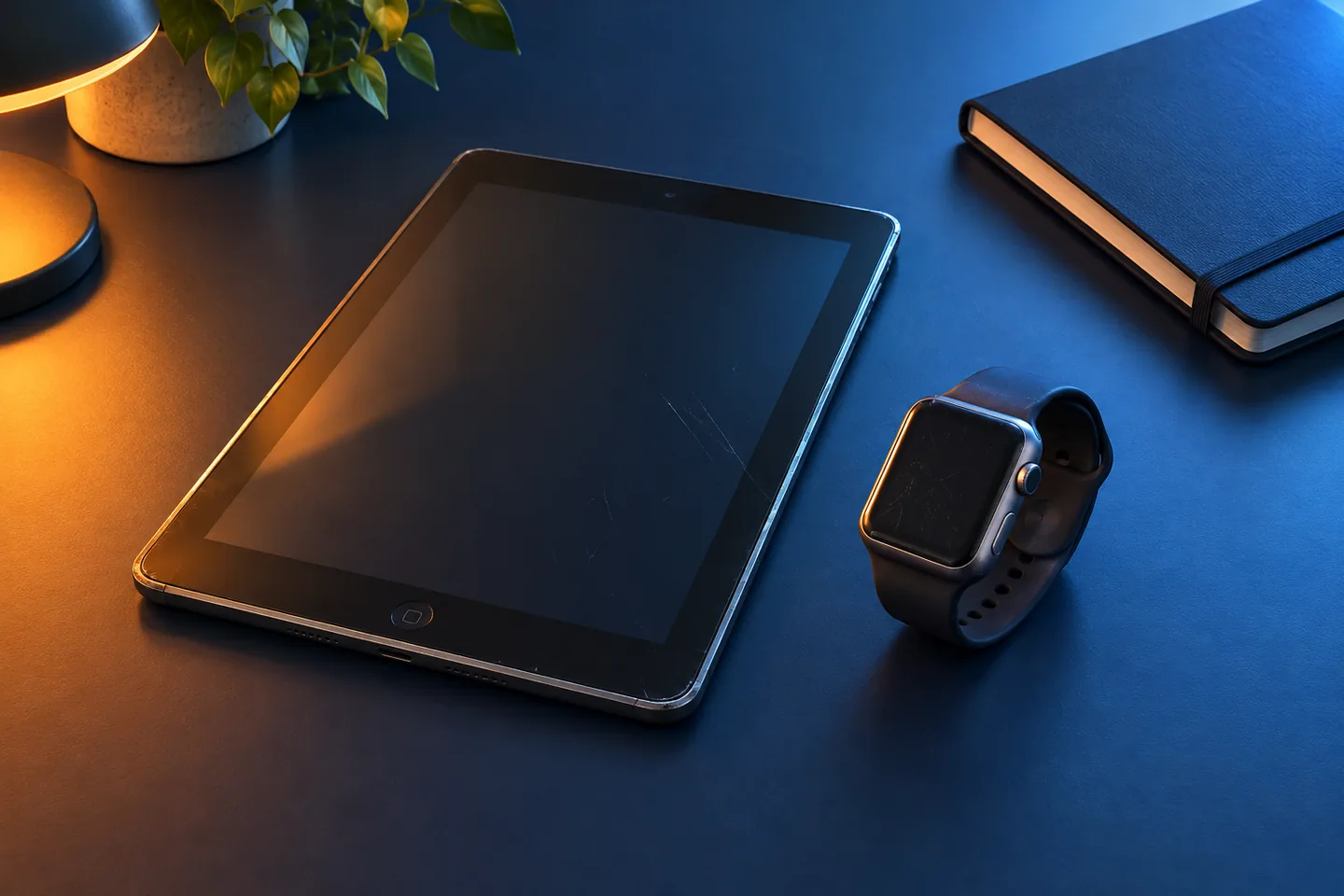
iPad Air 4 and Apple Watch SE: Care and Service Guide
The iPad Air (4th generation) and original Apple Watch SE were introduced in 2020. If you still use either device, a repair decision should start with the exact model, the problem, available support and the value of your data—not an old launch announcement or a blanket promise of service.
Confirm which device you own
The iPad Air 4 is different from the much older iPad (4th generation), and Apple Watch SE has more than one generation. Use the device settings or Apple’s identification guides to confirm the model before ordering accessories or requesting parts. Tell the provider whether the issue involves the tablet, watch, charging accessory or more than one item.
Decide what needs assessment
For a tablet, describe whether the screen is cracked, touch is inconsistent or charging fails. For a watch, note the condition of the screen and whether it responds or charges. A short battery life or blank display does not establish the cause without inspection. Do not assume that repairing one device will resolve a pairing or account problem on the other.
If either device is wet, swollen, unusually hot, smoking or has a lifting screen, stop using and charging it. Do not press it closed. Move away from immediate danger and seek emergency assistance when appropriate.
Prepare accounts and data safely
If the iPad is safe and usable, verify a current backup. Apple has separate preparation guidance for the iPad and Apple Watch. Steps depend on the device, software and service route; read the current guidance and ask your provider before changing account or pairing settings.
Keep account passwords, device passcodes and verification codes private. Ask whether the proposed work could erase data, what inspection costs and whether the shop supports the specific model. Compare the total estimate, part type and warranty with replacement options and the software your household needs.
For local information, see Smart Fix tablet repair or contact the shop about Apple Watch service. Confirm model support and parts at your Las Vegas Valley location before visiting.
Frequently asked questions
Is iPad Air 4 the same as iPad 4?
No. They are different models from different generations. Confirm the model number first.
Are all Apple Watch SE models identical?
No. The SE line has multiple generations; identify the exact watch before requesting service.
Will a battery replacement fix every charging issue?
No. The charger, software or other hardware can also be involved.
Should I erase a device before an independent repair?
Do not erase it blindly. Review backup and current provider-specific instructions first.
Are parts always available for older models?
No. Ask the provider to confirm your model and the proposed part before visiting.





