


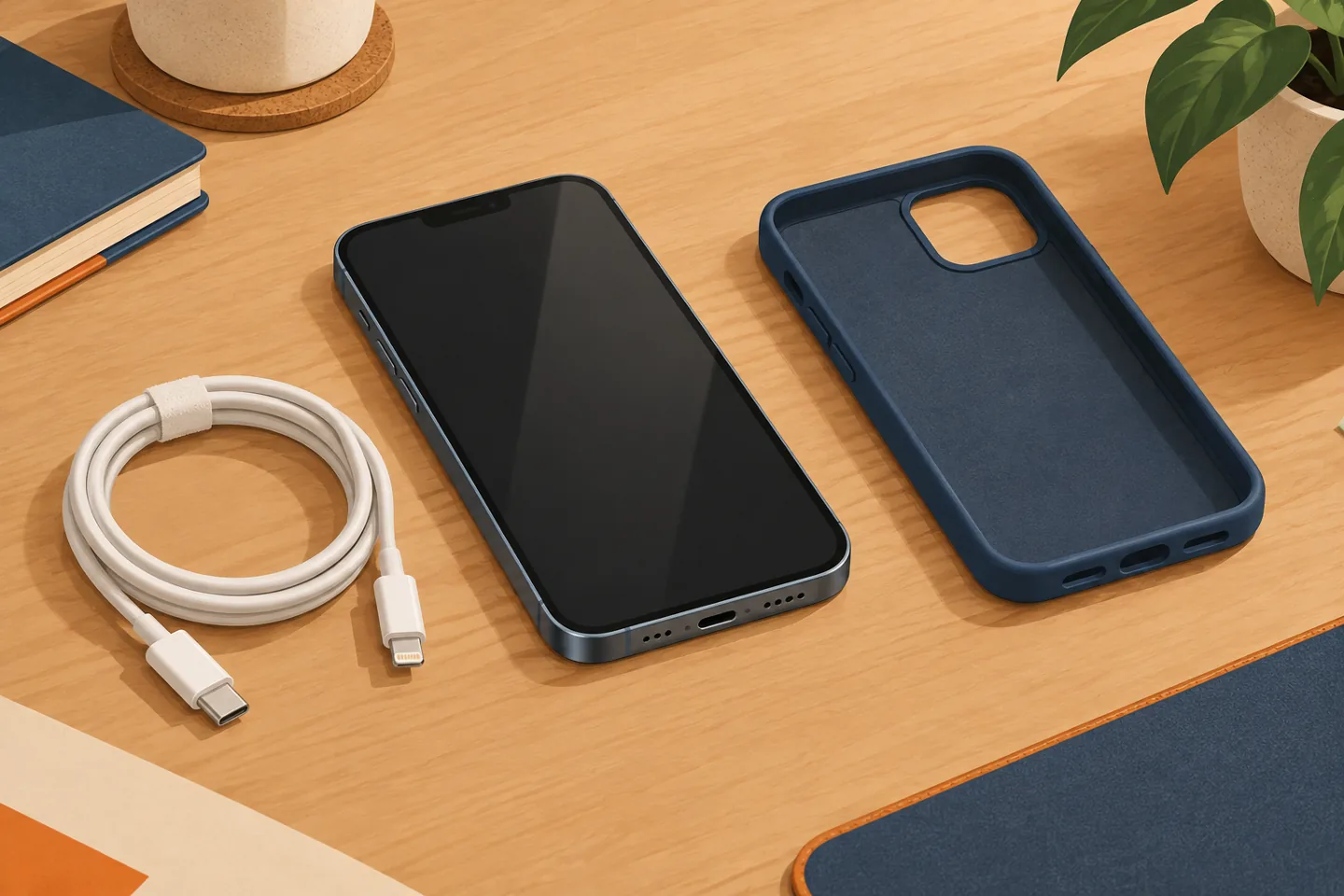
iPhone 14 Repair in Las Vegas: A Guide for Owners
The iPhone 14 arrived in 2022, so an old launch announcement is not the best guide to owning one today. If your phone has a damaged screen, charging issue or battery concern, start with the exact model and symptoms before choosing a repair.
Confirm the model and describe the problem
The iPhone 14 family includes different models, and replacement parts are not necessarily interchangeable. Use Apple’s identification guide or your device settings to confirm the model. Record when the issue began and whether it followed a drop, liquid exposure or prior repair.
A phone that will not charge may have a cable, power source, port, software or internal problem. Likewise, a cracked screen may involve more than the glass. Ask for an assessment rather than assuming which part must be replaced.
Safety and data come first
Do not use a phone with cracked glass. If the device is swollen, wet, unusually hot or smoking, stop using and charging it; do not press a lifted screen down. Move away from immediate danger and seek emergency assistance when appropriate.
If it is safe and usable, verify a backup before service. Read Apple’s preparation guidance and ask the chosen provider about its specific process. Keep passwords, passcodes and verification codes private; ask how necessary testing access will be handled and whether work could affect your data.
Compare repair options
Ask about diagnostic fees, proposed part type and condition, calibration where applicable, total price, turnaround and written warranty. Confirm that extra work requires your approval. Apple explains that some repairs may need Repair Assistant to complete configuration; availability and requirements depend on the device, part and software.
For iPhone 14 repair in Las Vegas, contact Smart Fix to confirm current service and parts for your specific model. Compare the estimate against your needs and alternatives before proceeding.
Frequently asked questions
Is every iPhone 14 model the same?
No. Confirm the exact model before ordering parts or requesting a quote.
Does a charging problem always require a new port?
No. Several causes are possible; diagnosis helps identify the issue.
Is a repair guaranteed to preserve data?
No. Back up safely and discuss data risks before authorizing work.
Will a replacement part need configuration?
Some repairs do; ask the provider and check Apple’s current guidance for your model.
How much will repair cost?
Ask for a written estimate based on the model, fault, part and labor.





