


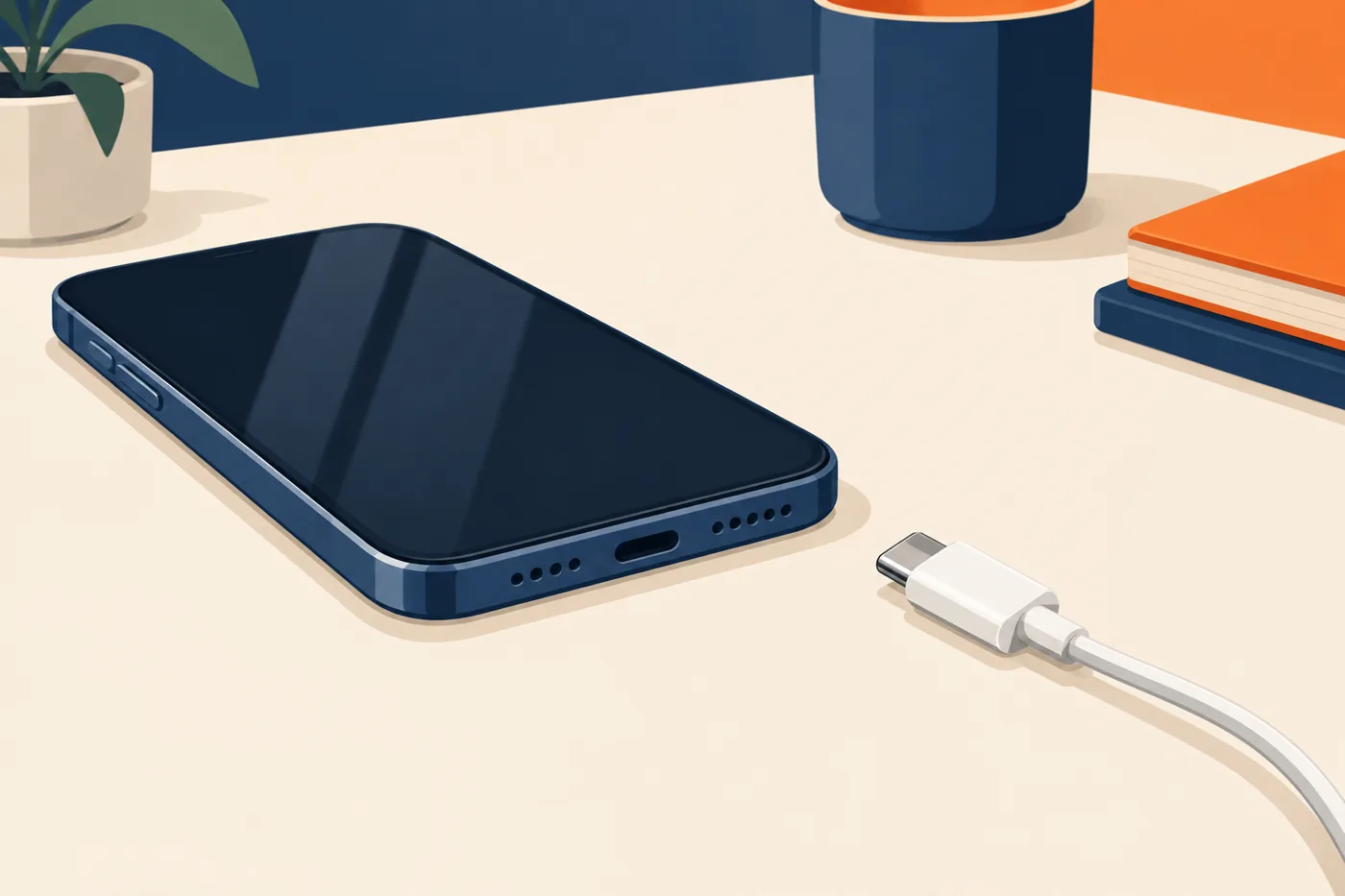
iPhone Connects Only at an Angle: What the Problem May Mean
If an iPhone charges only when the cable is held at a certain angle, the connection is intermittent. A worn cable, obstructed connector, damaged port or another fault may be responsible. Keeping the plug under pressure can make the situation harder to assess, so stop forcing it and try a few safe comparisons instead.
Compare the cable and power source
Disconnect the cable and inspect it and the adapter for visible damage. Do not use frayed cables or bent contacts. Try a known-working compatible cable and adapter in a different wall outlet, with the connector seated normally. If the problem goes away, the original cable or power source may be involved; if it remains, the phone needs further assessment.
If the phone connects to a computer but does not charge from one setup, note the cable, adapter and device involved. Charging and data connection problems can overlap, but one working connection does not prove that every pin or component is healthy. Do not repeatedly bend or jiggle the cable to maintain a connection.
What if the connector looks dirty or wet?
Look for obvious obstruction without pushing a tool into the port. Avoid metal objects, liquid, heat and compressed air. If debris cannot be removed safely or the contacts look damaged, let a technician inspect the phone.
If the iPhone displays a liquid-detection alert, disconnect the cable and follow Apple’s liquid-alert guidance. Do not charge through a wet connector. If the phone is unusually hot, swollen or emitting a chemical smell, stop using and charging it and seek qualified assistance.
What might an inspection involve?
A technician can compare the phone with known-working accessories and examine the connector and surrounding area. Depending on the model and findings, the fault could involve the connector assembly or a different component. Microsoldering is not automatically required, and a repair cannot be selected reliably from the symptom alone.
Ask for the diagnostic fee, the proposed work, the total estimate and warranty. Explain any liquid exposure, drop or prior repair. If the phone is safe and usable, back up important data; if not, tell the technician that preserving data matters before any reset or work.
What to check after the repair
Ask the provider to demonstrate stable charging and any data connection you need using a suitable cable. Keep the receipt and warranty terms, and report a recurring issue promptly. Whether a phone retains water resistance after damage or repair depends on circumstances; ask what the provider can actually verify.
For local help, see the iPhone charging-port guide or contact Smart Fix with your model and the results of your cable test. Confirm current service availability and pricing before visiting.
Sources
- Apple: If an iPhone won’t charge and liquid-detection alerts.





